Jump to content
RingCorgi

AI Receptionist for Your Small Business Calls

RingCorgi is an AI receptionist that answers as your business when you forward your calls. It asks for the details you need, handles urgent requests by your rules, and sends you a summary. Try a conversation in the browser demo.

Take messages, book appointments, and send urgent calls to the person you choose.

Trials open soon: 14 days free, up to 100 minutesPrivacySecurity

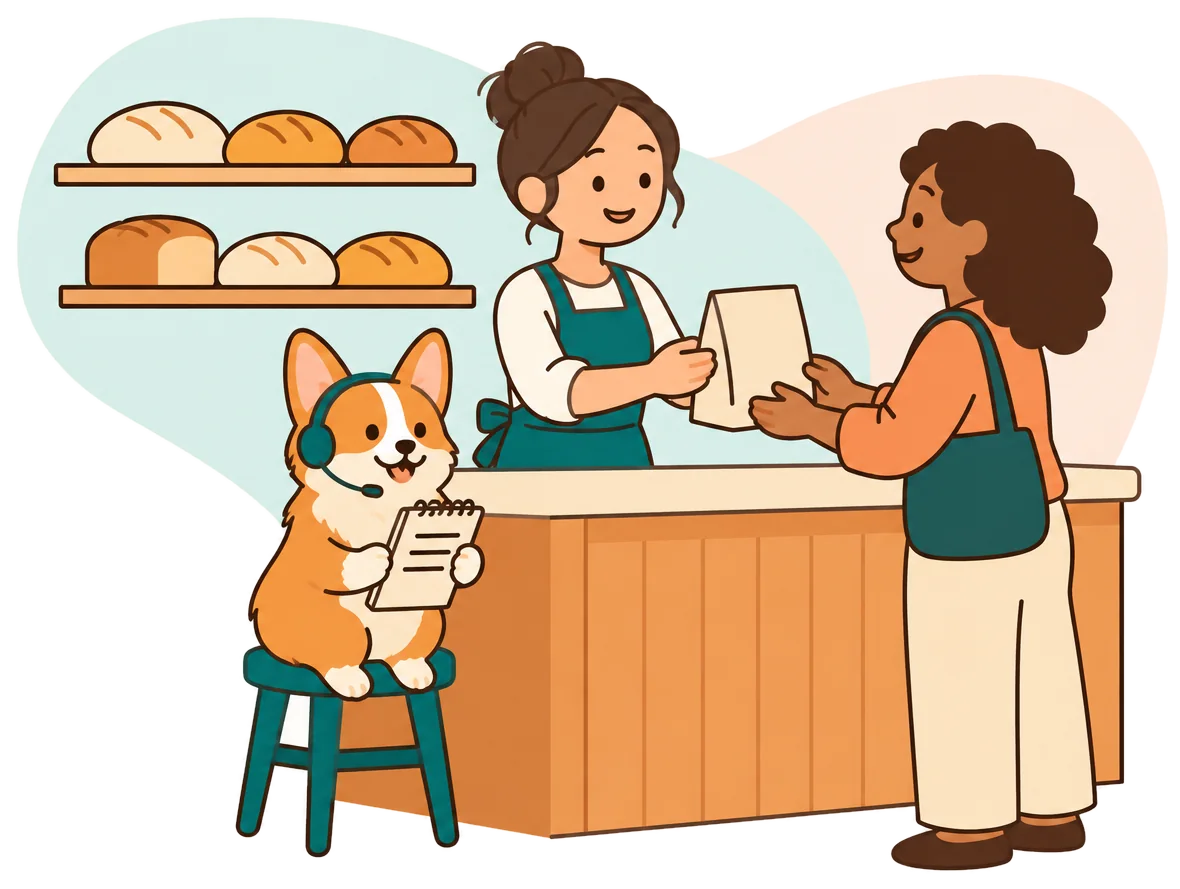
Illustration: a bakery owner hands a bag to a customer while the RingCorgi corgi, wearing a headset, takes a phone call by the counter
Demo dataNormal9:26 a.m.

Incoming call for Northwind Services

Any business: after-hours message.

Message taken for the owner, along with the caller number.

Transcript excerpt (example)

  1. Assistant Hi, you have reached Northwind Services. I am a virtual assistant and this call is recorded. How can I help?
  2. Caller Explains what is going on: any business: after-hours message.
  3. Assistant I will pass this on to the team. What is the best number to reach you?

Open the dashboard for the full transcript and recording.

Give callers an answer while your hands are full

Your receptionist can take the call while you finish the job, help a customer, or close for the night. A missed conversation can mean a lost booking or another callback to chase.

  • Jobs in progressGather the next caller's details while you finish the work already underway.
  • Busy afternoonsGive incoming callers somewhere to explain what they need during your lunch break.
  • After closingCollect messages at night and flag requests that match your urgency rules.
Learn more

An answered call gives a caller a chance to explain the job before you are available. Think of a cleaner finishing a move-out, a mechanic under a car, or a shop owner serving someone at the counter. Your AI receptionist service can ask about the request while you stay with that work.

Choose the gaps you want covered: busy calls, unanswered calls, after-hours calls, or all forwarded calls. For a routine request, you get the details for a callback. For an urgent request, your receptionist follows the contact order you set. You decide what needs an interruption and what can wait until morning.

Illustration: a mechanic works under a car hood while the corgi answers his phone and writes notes on a clipboard

Get the request, the urgency, and the next step

Your receptionist asks your intake questions, flags urgency, and records the caller's request. It can book an appointment in Google Calendar or gather details for you to call back.

  • Useful intakeAsk about the service needed, location, and details relevant to your trade.
  • Urgent requestsFollow your contact order with a warm transfer or an on-call page.
  • A written handoffReceive a summary, urgency tag, transcript, and recording by email and app push.
Learn more

Your receptionist uses the business information and intake instructions you provide. A landscaping caller might describe the property and work needed. An auto repair caller might ask about a vehicle already in the shop. You set the questions and the information your receptionist can give.

When a request meets your urgency rules, it can warm transfer the call to your on-call person. That person hears a short summary and presses 1 to accept. You also receive email and app push notifications, with a daily digest email to help you review the day's conversations. The dashboard keeps calls, transcripts, recordings, and settings together.

Try a call from your kind of business

The browser demo below lets you speak to a receptionist for a fictional business. Pick a scenario, describe your request, and listen for the questions and proposed next step.

Sample business (fictional): Northwind Services

First choose a scenario, then press Start a call.

Demo dataUrgent3:14 a.m.

Incoming call for Northwind Services

HVAC: no heat at night.

Warm transfer to the on-call person, who hears a short summary and presses 1 to accept.

Transcript excerpt (example)

  1. Assistant Hi, you have reached Northwind Services. I am a virtual assistant and this call is recorded. How can I help?
  2. Caller Explains what is going on: HVAC: no heat at night.
  3. Assistant Is anyone in danger right now? I am connecting the on-call person now.

Open the dashboard for the full transcript and recording.
What the owner receives after a call like this (example).

  • Urgent service callsTry no heat or a burst pipe and listen for safety instructions.
  • New inquiriesAsk about legal intake or a property sign and hear the follow-up questions.
  • Everyday requestsTry restaurant hours, a repair update, or an after-hours message in your words.
Learn more

Choose a scenario that resembles a call you might receive, then speak as the customer. For no heat at night or a burst pipe, listen to how the receptionist gathers details and handles urgency. For a property maintenance emergency, notice the information it collects for the person on call.

Try new-client intake for a fictional law firm or ask about a real estate sign. You can also request a restaurant reservation and hours, ask when your car will be ready, or leave an after-hours message. These are fictional demo businesses. Listen for the virtual-assistant and recording notices, then review the result in the interactive call demo.

Forward calls and receive messages, alerts, and bookings

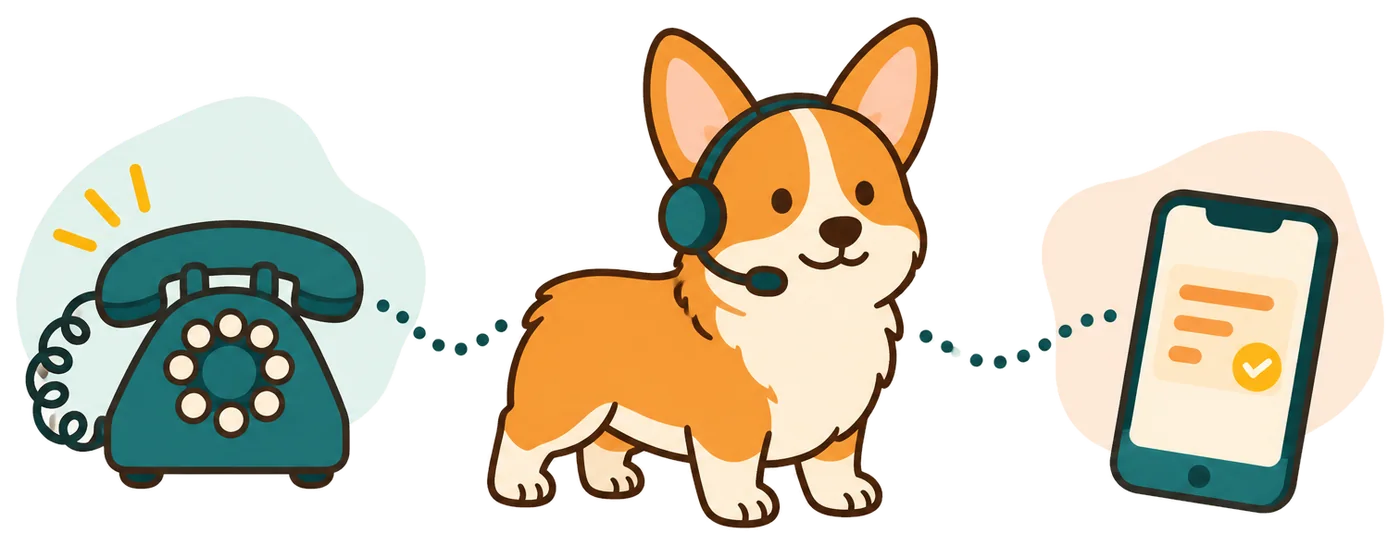
Forward your existing business number to RingCorgi, and your receptionist answers as your business. You receive call details by email and app push, with appointments booked into Google Calendar when enabled.

  1. 1Keep your numberUse the forwarding guide for your carrier or phone system.
  2. 2Choose the coverageSend all calls, or only busy, unanswered, or after-hours calls.
  3. 3Receive the resultCheck messages and urgency tags, then review bookings in Google Calendar.
Illustration: a ringing phone, the corgi receptionist with a headset, and an owner's phone showing a summary card
Learn more

We provide a local number in your area code and instructions for forwarding to it. You choose when your existing line sends calls to your receptionist. That gives you a way to keep answering personally and use the receptionist for the gaps you select.

At the start of each call, the receptionist says it is a virtual assistant and that the call is recorded. It then uses your business information to handle the request. Callers can speak English or Spanish and switch during the conversation. See the steps from setup to first call before choosing how to route your line.

Dashboard example using made-up calls

Choose AI, a live answering service, or voicemail

Choose AI for intake guided by your instructions, a live answering service for a person's judgment, or voicemail for a recorded message. The right fit depends on what callers need you to handle.

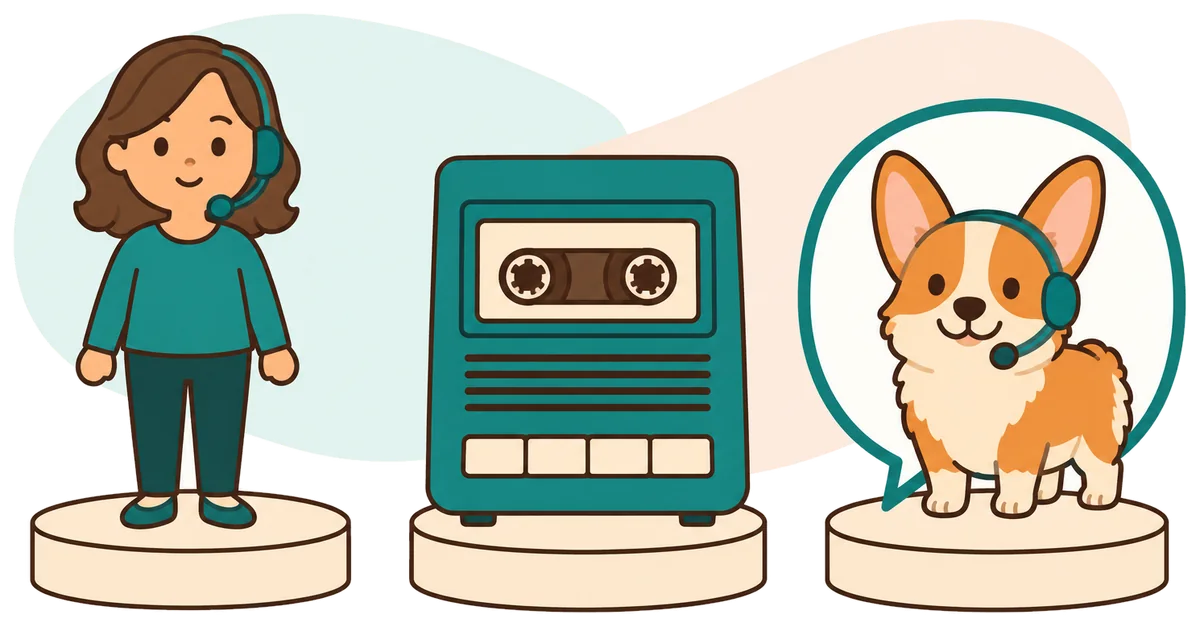
Illustration: a person with a headset, an answering machine and the corgi receptionist, side by side
  • AI receptionistAsk intake questions and route urgent requests using the instructions you supply.
  • Live answering serviceA person can interpret an unusual request and respond with personal judgment.
  • VoicemailLet callers leave a recording for you to hear when you return.
Learn more

A virtual AI receptionist suits calls with questions and next steps you can define. It can gather job details, book appointments, and alert the person responsible for urgent requests. The AI can make mistakes, so review its summaries and keep a backup way to be reached.

A live receptionist brings personal judgment to a complicated conversation. In-house staff can also draw on direct knowledge of work happening in your business. Voicemail gives callers a place to leave a recording, though it does not ask follow-up questions. Compare the options using the calls you actually receive: booking requests, unusual complaints, status questions, and matters that need your own decision.

Compare call costs, then check the monthly plan

Compare costs using the work each option handles and the callback time left for you. Our Starter and Pro plans start from $99 per month.

  • Message or conversationConsider whether you need a recording, intake questions, or an appointment booked.
  • Time after the callInclude the work of reviewing details and returning calls yourself.
  • Included usageCompare conversation time with Starter's 150 or Pro's 500 monthly AI minutes.
Learn more

The useful comparison is the cost of handling a request through to its next step. Voicemail leaves you to listen and call back. A live answering service adds a person's time and judgment. An employee can take on other business duties alongside the phone, so decide which work you need covered before comparing bills.

For RingCorgi, start with the monthly plan and the AI minutes your calls use. Longer conversations use more time than short messages, so call length matters alongside call volume. Read the plan and trial details; when trials open, you can see how your own requests are handled. Look at the messages you receive and the work still needed after each call.

Use call summaries with your current software

You can enter the receptionist's summaries into the software you already use. Direct software connections are not live yet; appointment booking into Google Calendar is available now.

  • Call detailsUse the written summary when you enter a lead or update a job.
  • Calendar bookingLet your receptionist book appointments into Google Calendar when that suits your business.
  • Connection requestsTell us which tools matter to you; direct connections are planned by demand.
Learn more

Your call summary gives you information to enter into your field-service system, CRM, or other business records. Use the transcript when you need the caller's exact wording, and check the recording when the context matters. Decide who on your team will review messages and update the record.

Google Calendar booking is an available appointment option. You can instead have the receptionist collect details for your callback. If your work depends on another tool, review the current software connection status before starting. Tell us what information you need to move between systems so we can understand demand for future connections.

Illustration: the corgi holding a checklist with three ticked boxes

Set your rules and make a test call before going live

An onboarding chat teaches your receptionist your services, hours, coverage area, and urgent-call instructions. Add your website, check the settings, and make a test call before forwarding customer calls.

  1. 1Describe your businessAnswer the onboarding questions about services, boundaries, hours, and your pricing policy.
  2. 2Set the handoffName the on-call person and choose which requests need urgent attention.
  3. 3Test the detailsCall with a sample request, read the summary, and adjust your settings.
Learn more

Setup starts with an email sign-in link and an onboarding conversation with the AI. It asks 10 to 15 questions and uses your website to learn about your business. Explain what you do, what you do not do, where you work, and what callers should hear about pricing.

Next, give it your urgent-call rules and contact order. Try a routine inquiry and a request that should reach your on-call person. Read the resulting summaries and correct your instructions by telling the AI in plain words. Add a card before call forwarding goes live, then follow the carrier guide when you are ready to send calls.

Ask these questions before choosing an answering service

Ask how calls are answered, how urgent requests reach you, and what you receive afterward. Then test a real business scenario and check the billing and cancellation terms before committing.

  • Hear the openingAsk what callers are told about the assistant and the recording.
  • Check urgent routingFind out who gets contacted and how that person accepts a transfer.
  • Inspect the handoffRead a sample message and ask how you change the instructions.
Learn more

Ask any provider to show you the result of a call, including a difficult one. Does the message contain enough information for your next step? Can you see what was said? How does the service handle a request outside your business policies?

Check what is included, how extra usage is billed, and what happens when you cancel. For RingCorgi, you can hear the receptionist in the browser and inspect the demo result before signing up. Once trials open, you can test your own instructions and review the handoffs. Choose on the evidence you can hear and read, including how well the service handles your business boundaries.

Questions

What does an AI receptionist do for a small business?

An AI receptionist answers calls and asks questions using the information you give it. With RingCorgi, that can include taking a message, collecting job details, booking into Google Calendar, or routing an urgent request. You receive a summary and can review the transcript and recording in your dashboard.

Will callers know they are talking to AI?

Yes. Your receptionist introduces itself as a virtual assistant and says the call is recorded at the start of each conversation. Those notices stay on. You can hear the opening in the browser demo and judge the conversation yourself before setting up the service for your business.

Can I keep my current business phone number?

Yes. You keep your current number and forward calls to the local number we provide. Choose all calls or coverage for busy, unanswered, or after-hours calls. We supply a guide for your carrier or phone system, and you make a test call before customer calls reach the receptionist.

How long does it take to set up my receptionist?

Setup uses an onboarding chat of 10 to 15 questions plus your website. You provide your services, area, hours, price policy, and urgent-call instructions. The time depends on how much you need to configure and test. Before forwarding goes live, add a card and check a sample call.

Can urgent calls be transferred to me?

Yes. Your receptionist can warm transfer urgent calls to your on-call person or page them, following the order you set. With a warm transfer, the person hears a short summary and presses 1 to take the call. Define urgency during onboarding so the handoff reflects your business rules.

How do I receive messages and call details?

We send an email and app push notification for each call, including a summary, urgency tag, transcript, and recording. You also receive a daily digest email. Your dashboard holds the call records, usage, and settings, so you can review the details before returning a call or assigning the next task.

What if the receptionist gets something wrong?

Review the summary, transcript, or recording to check what happened, then correct the business information or instructions in your settings. You make changes by telling the AI in plain words. Keep a backup way to be reached and test requests that matter to your business before relying on the handoff.

Can I try it before paying for a plan?

You can speak to the browser demo without signing up. When trials open, you can test your own business during the 14-day free trial, capped at 100 minutes. A card is required before call forwarding goes live. The trial will let you check your intake questions and messages with your own instructions.

Illustration: the corgi waving beside a ringing desk phone

Hear your next business call in the demo

Pick a fictional business and talk to its receptionist in your own words. When you are ready, join early access; we will email you when trials open so you can teach it your business rules.

Test it live Get early access