
Give callers an answer while your hands are full
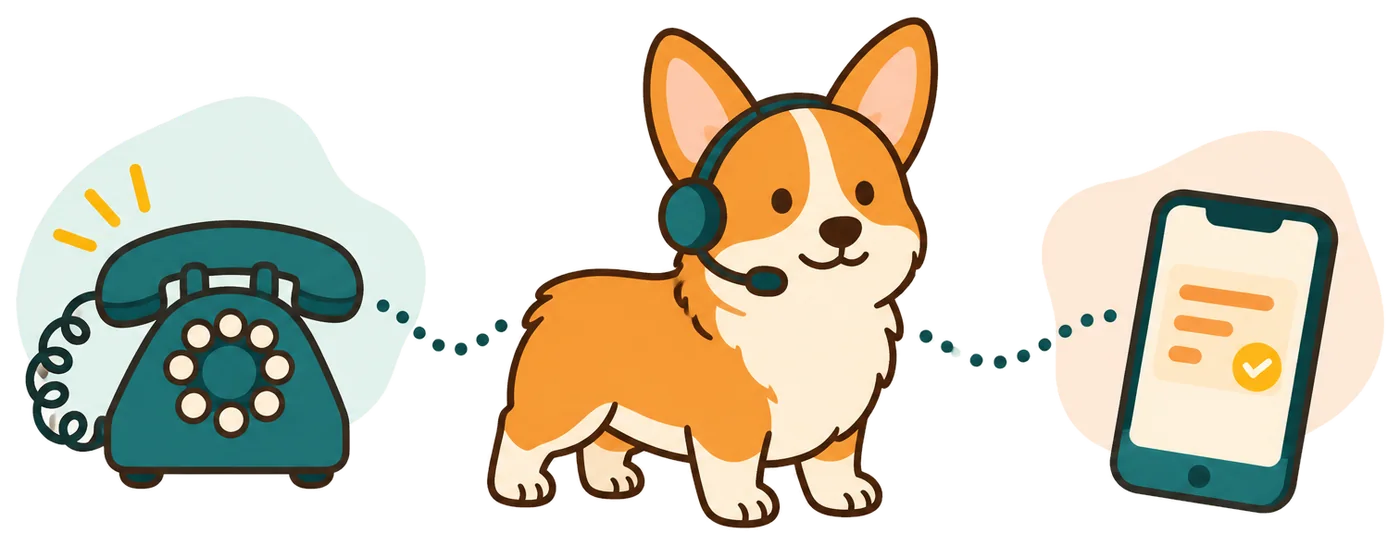
Your receptionist answers forwarded shop calls, explains your services and collects the details for a callback. Use it during repairs, at the counter or after closing.
- Repair requestsCollect the vehicle details, reported problem and caller's return number.
- Shop questionsGive your stated hours, service area and repair intake policy.
- Flexible coverageForward unanswered calls while your team handles the service counter.
Learn more
Your receptionist gives drivers a way to explain why they are calling when the shop cannot pick up. A caller can describe a brake concern, ask whether you service their vehicle or leave a question about an existing job.
We use your onboarding answers and website to learn the work you accept. You decide whether the receptionist offers an appointment in Google Calendar or gathers information for your return call. An AI receptionist for auto repair supports intake while your technicians stay focused on repairs.
How a repair request becomes a useful callback message
A repair caller hears the virtual assistant and recording notice, then answers your intake questions. You receive a summary with the vehicle details and reason for calling.
- Clear greetingTell callers they reached a virtual assistant and are being recorded.
- Useful intakeAsk about the vehicle, symptoms and the callback they need.
- Message deliveryReceive the summary, transcript and recording through email and app notifications.
Learn more
A driver calling about a warning light can leave their vehicle's make, model, description of the issue and contact number. Your receptionist asks the intake questions you supplied instead of making a repair judgment. If your rules mark the request urgent, it can warm transfer to your designated person.
That person hears a short summary and presses 1 to accept. For routine requests, the call summary gives your service advisor a starting point for a callback. English and Spanish are available, including a language change during the conversation.
Set your repair scope, intake questions and call coverage
You set the services, hours, price policy and questions your receptionist uses. Choose which calls forward and who should receive requests that meet your urgency rules.
- 1Service boundariesSpecify the repair work you accept and what you decline.
- 2Intake detailsChoose the vehicle questions that help your advisor return calls.
- 3Urgent routingSet the contact order for calls needing your team's attention.
Learn more
Setup starts with a chat of 10-15 questions and the website you want us to learn from. Explain whether your shop handles diesel vehicles, tires, inspections or other services. Give the receptionist your actual policy for estimates, diagnostic appointments and questions about current repairs.
Keep your business number and use the forwarding guide for your carrier or phone system. You can forward all calls or choose busy, unanswered or after-hours coverage. Tell the AI in plain words when your hours, services or routing instructions need to change.
Keep diagnosis and repair status with your shop
Your receptionist collects information; your team diagnoses vehicles and confirms repair progress. It takes a callback message when a caller needs information from your shop records.
- Repair statusTake a message when the answer depends on shop records.
- Technical decisionsLeave diagnosis and decisions about vehicle safety to your team.
- Shop softwareReceive summaries you can enter into your existing repair workflow.
Learn more
A caller asking whether their car is ready needs a current answer from the shop. Your receptionist can record the question and return number, but it does not read your repair orders or know a technician's progress. Direct software connections are planned by demand.
Your team also confirms estimates and decides what work a vehicle needs. The AI can make mistakes, so review its summaries and keep a backup contact route. The dashboard includes transcripts and recordings so you can check how a request was handled.
Try a shop call before forwarding your number
The browser demo lets you hear a fictional auto repair call without signing up. Once trials are available, you can test intake using your shop's own instructions.
- Browser testAsk the fictional shop when your car will be ready.
- Shop setupTeach the receptionist your services, intake questions and callback policy.
- Forwarding checkMake a test call before sending your business calls through.
Learn more
Try the car-ready scenario in the auto repair demo and listen for how the receptionist handles a question that needs staff input. Use it to judge the conversation and message quality, rather than expecting access to a real repair order.
Next, request a free trial for your shop; we email your sign-in link when it is ready, then setup uses the onboarding chat. The free trial will last 14 days, capped at 100 minutes. A card is required before forwarding goes live. Test a new repair inquiry and an existing customer's message before choosing your coverage settings.
Questions
Can I keep the phone number printed on my shop signs?
Yes. You keep your existing business number and forward the calls you want RingCorgi to answer. We provide a forwarding guide for your carrier or phone system. You can choose all calls, busy calls, unanswered calls or calls outside your shop hours.
Can the receptionist tell a customer whether their car is ready?
It can take the customer's name, vehicle details, return number and question for your advisor. It does not have access to current repair orders or technician updates. Your team checks the job and returns the call with the status, estimate or pickup information.
How will I get messages while I am working in the bays?
We send an email and app push notification for each call, with a summary, urgency tag, transcript and recording. The dashboard also holds your call records, and a daily digest arrives by email. You can review what the driver said before calling back.
Can it book a diagnostic appointment?
It can book appointments into Google Calendar using the appointment instructions you provide. If your advisor needs to review requests first, choose callback intake instead. The receptionist then gathers the driver's details and requested service so your team can decide the next step.
What will the shop plan cost after a future trial?
Starter's monthly subscription is $99 with 150 AI minutes, plus $0.35 per extra minute; Pro's is $249 with 500 AI minutes, plus $0.20 per extra minute. Service is month to month, and you can cancel online in one click. The dashboard shows usage so you can review how your chosen forwarding coverage uses minutes.

Try your next shop call in the demo
Hear how a repair question becomes a callback message. Then request a free trial to teach the receptionist how your shop handles inquiries.