
Take repair requests while your hands are busy
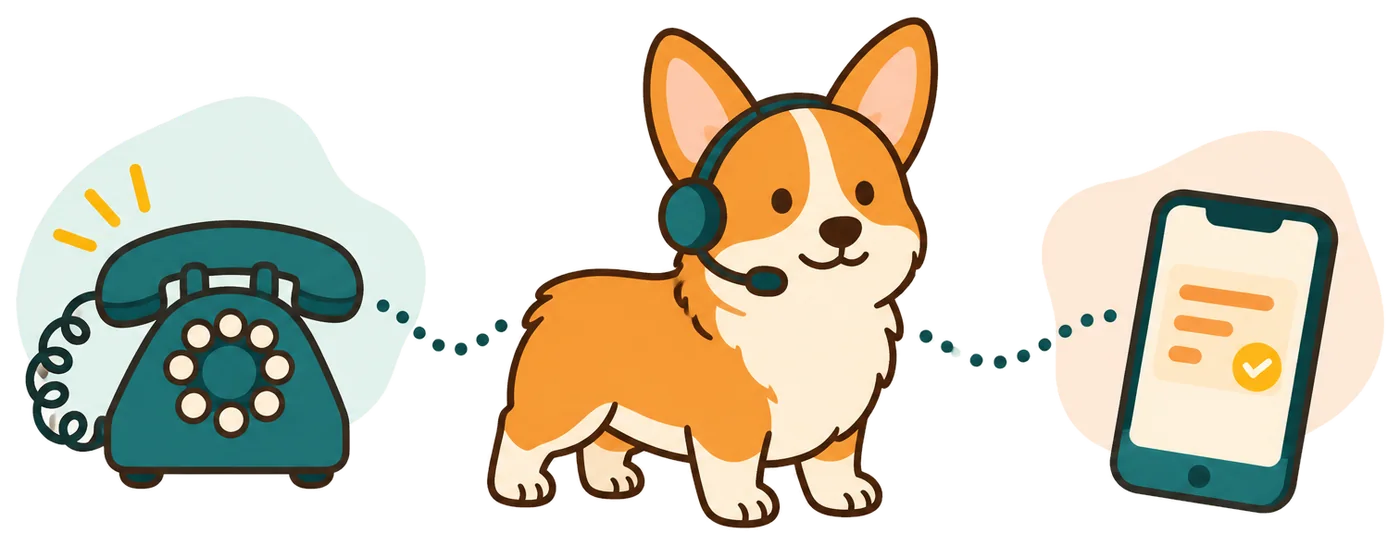
Your receptionist answers forwarded calls when you are on a ladder, driving between jobs or closed for the evening. It gathers the details you need to decide your next step.
- Repair detailsCapture the door problem, property address and caller's callback number.
- Coverage choicesForward unanswered calls, busy calls or calls outside your shop hours.
- Useful messagesRead the summary before deciding which repair request needs attention first.
Learn more
A caller with a stuck door needs a way to explain what happened. Your receptionist can ask whether the door is open or closed, where the property is and what service the caller wants. You receive the message while you finish the job in front of you.
You can use an AI receptionist for garage door inquiries during overflow hours or as your main answering option. It answers as your business, using the services and service area you provide. An urgent request follows your routing instructions instead of waiting only in a general inbox.
From a stuck-door call to a clear repair message
The call starts with a virtual assistant introduction and recording notice. Your receptionist then collects the repair details, checks your urgency rules and takes the next step you allow.
- Clear greetingCallers hear that a virtual assistant is answering and recording the call.
- Focused intakeAsk about the door issue, location and preferred callback details.
- Urgent routingOffer your on-call person a short summary before they accept the transfer.
Learn more
Suppose someone calls because their garage door will not close before they leave home. Your receptionist asks for the address, a callback number and a description of the issue. It uses your definition of urgency to decide whether to contact your on-call person.
For a warm transfer, that person hears a short summary and presses 1 to accept. A routine maintenance inquiry can become a callback message instead. The email and app push alert include a summary, urgency tag, transcript and recording, so you can review the caller's own description.
Set your service area, hours and repair priorities
You control which jobs your receptionist discusses, how it handles price questions and who receives urgent requests. We gather those instructions through an onboarding chat and your website.
- 1Job boundariesList the residential or commercial door work your shop accepts.
- 2Urgency rulesChoose which situations prompt a transfer and who gets contacted first.
- 3Booking choiceAllow Google Calendar appointments or collect details for a scheduling callback.
Learn more
Tell the onboarding chat whether you handle repairs, new doors, openers or scheduled maintenance. Add the towns you serve, opening hours and your policy for discussing service charges. Explain which requests deserve an urgent transfer and the order for reaching your contacts.
We provide a forwarding guide for your carrier or phone system. Make a test call before going live, including a request outside your service area. You can later change settings by telling the AI in plain words. Call summaries are available for you to enter into your job management software.
Keep diagnosis and repair commitments with your team
Your receptionist gathers symptoms and follows your instructions; it cannot inspect a door or diagnose a failed part. Your team decides what work is needed and what to promise.
- No inspectionA caller's description gives your technician context for a later assessment.
- Price boundariesShare your stated price policy rather than inventing a repair quote.
- Arrival commitmentsKeep technician dispatch and arrival promises under your team's control.
Learn more
A report that a door is stuck does not establish which part needs replacing. Your receptionist records what the caller describes so your technician can assess it. It should collect a callback request when the question needs judgment beyond the business instructions you supplied.
Set expectations for scheduling as well. An appointment in Google Calendar is a booking, not live knowledge of a technician's location or parts stock. Review the transcript when a request is unclear, and keep a backup contact number in your settings. The AI can make mistakes, so your review remains part of handling the job.
Hear the demo, then test your shop's call flow
The browser demo lets you hear the receptionist before creating an account. Request a free trial to test your own service details, forwarding choices and urgent contact instructions.
- Hear a conversationUse a fictional demo scenario to judge the questions and responses.
- Build your setupSign in by email and explain your shop in the onboarding chat.
- Test the handoffDuring your trial, place a call and review the message your team receives.
Learn more
Open the browser voice demo without signing up. Choose a fictional after-hours business scenario and listen for the introduction, follow-up questions and message taking. The demo gives you a conversation to assess before you configure your own shop.
Request a free trial for your shop; we email your sign-in link when it is ready. Describe the repair work you accept in the onboarding chat. The free trial will give you 14 days and up to 100 minutes. A card is required before forwarding goes live. Test a routine inquiry and an urgent request before relying on the setup during a busy workday.
Questions
Can I keep the phone number printed on my service trucks?
Yes. You keep your business number and forward calls to your receptionist using the guide for your carrier or phone system. Choose all calls or only busy, unanswered or after-hours calls. We also provide a local number in your area code for the setup.
Will garage door customers know they are speaking with AI?
Yes. Your receptionist introduces itself as a virtual assistant and says the call is recorded at the start of the conversation. That notice stays on. You can judge the experience in the browser demo, including how the receptionist asks questions and takes a message.
Can an urgent repair call reach my on-call technician?
Yes. You define urgent situations and set the contact order. Your receptionist can warm transfer the call or page your on-call person. During a warm transfer, the recipient hears a short summary and presses 1 to accept, giving them context before speaking with the caller.
Can it book garage door service appointments?
Your receptionist can book appointments into Google Calendar if you choose that workflow. If your dispatcher needs to check the job first, it can collect details for a callback instead. Set the booking instructions around how your shop schedules work and assesses repair requests.
What does the garage door answering service cost?
Starter is $99 monthly with 150 AI minutes, then $0.35 per extra minute; Pro is $249 with 500 AI minutes, then $0.20 per extra minute. Your dashboard shows usage alongside calls and recordings. Request a 14-day free trial, capped at 100 minutes; a card is required before call forwarding goes live.
Can I stop using it if my shop's needs change?
Yes. The service is month to month, and you can cancel online in one click. Cancellation takes effect at the end of your paid month. Keep your backup number or voicemail configured so calls have a destination if your plan lapses.
Try a conversation before your next repair call
Hear how the receptionist gathers a caller's request in the demo. Then request a free trial to test the setup for your garage door business.